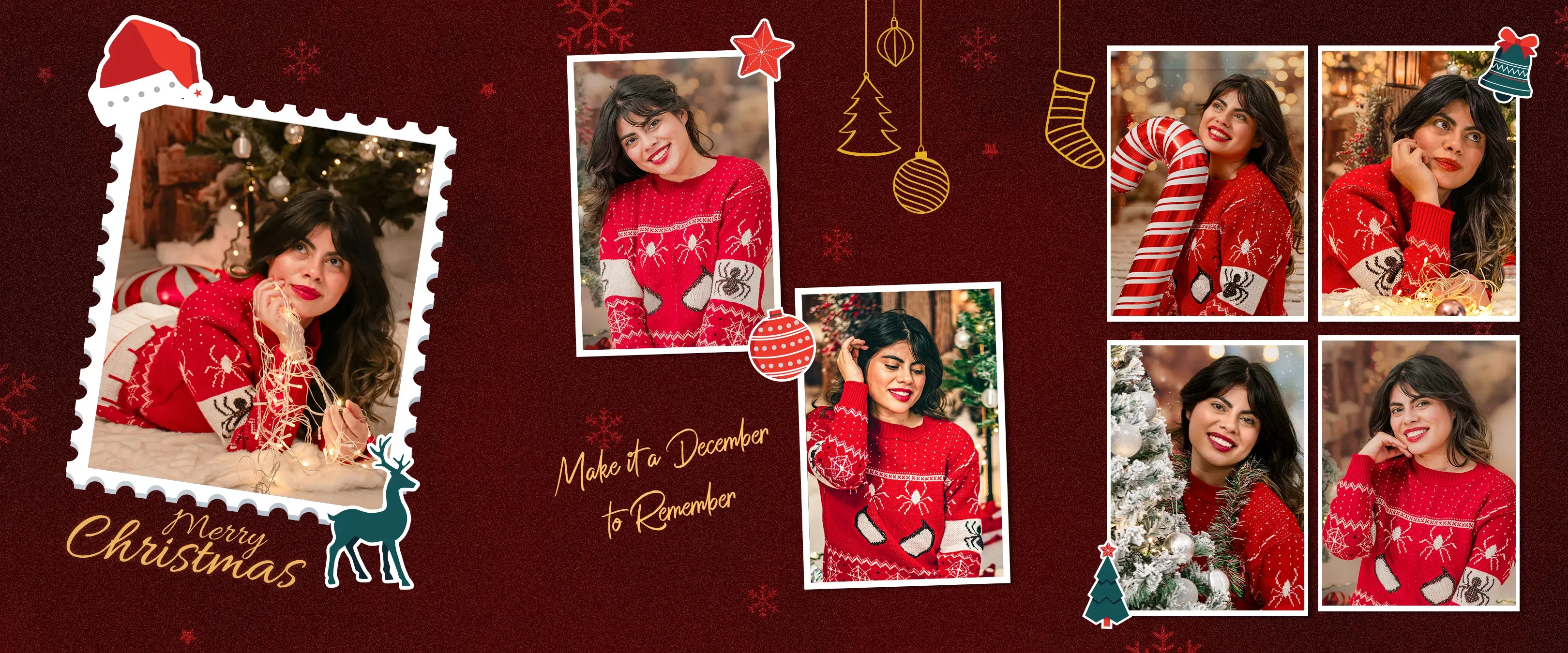
Collect the smiles, matching sweaters and candid moments from your holiday gathering in a Christmas photo strip. Open a festive template, add your own pictures and write a short greeting before downloading.
Showing 6 of 6 templates
Template guide
How to use christmas photo strip templates
Plan a Christmas photo booth corner
Choose a backdrop with enough contrast for your guests' clothes and add a soft light facing them. Keep the tree lights behind the group rather than relying on them to light faces. Take a test photo with the tallest hat or antlers in frame so decorations do not disappear in the final crop.
Try a four-photo holiday sequence
Start with a relaxed family portrait, lift a small gift toward the camera, react as though it holds a surprise, and finish with everyone waving. For two people, share a scarf or exchange a gift between frames. For a group, stagger heights and keep props below faces so each person is visible.
Personalize a festive template
Choose one of the Christmas designs above and replace its sample images. Add a family name, party date or short seasonal greeting. Keep the wording brief and preview it at the size of a printed strip. Match the frame color to your photographs rather than adding decoration over every photo slot.
Turn the strip into a holiday keepsake
Download the finished layout for sharing or prepare it for a gift envelope or scrapbook. Check the exported proportions before printing. A classic 2x6 strip can be paired with another on a 4x6 sheet in a layout app; different template shapes need a different arrangement. Follow the size and print guides below before making a batch.