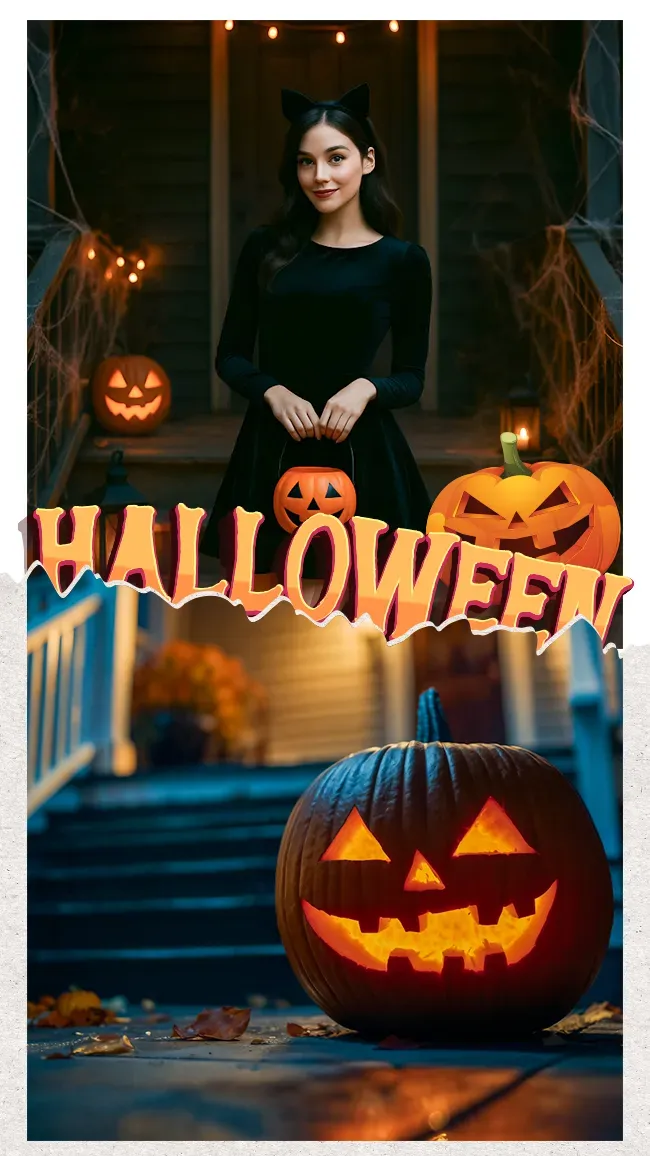
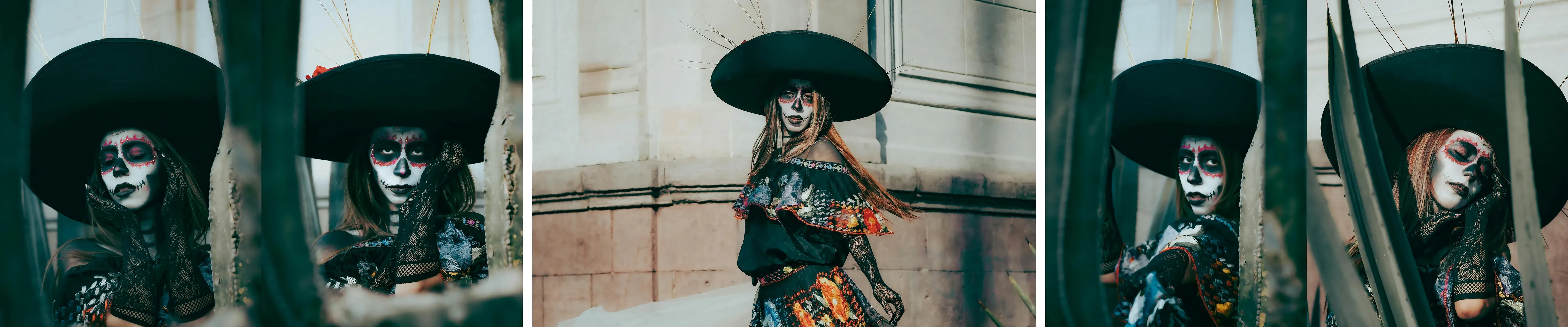
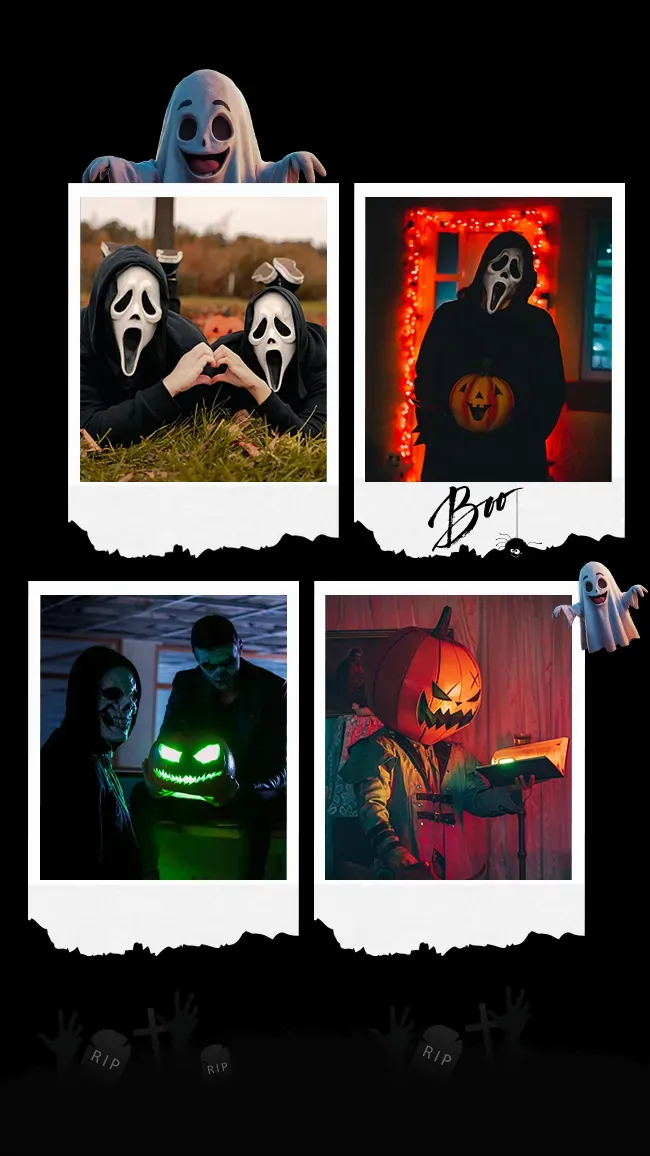
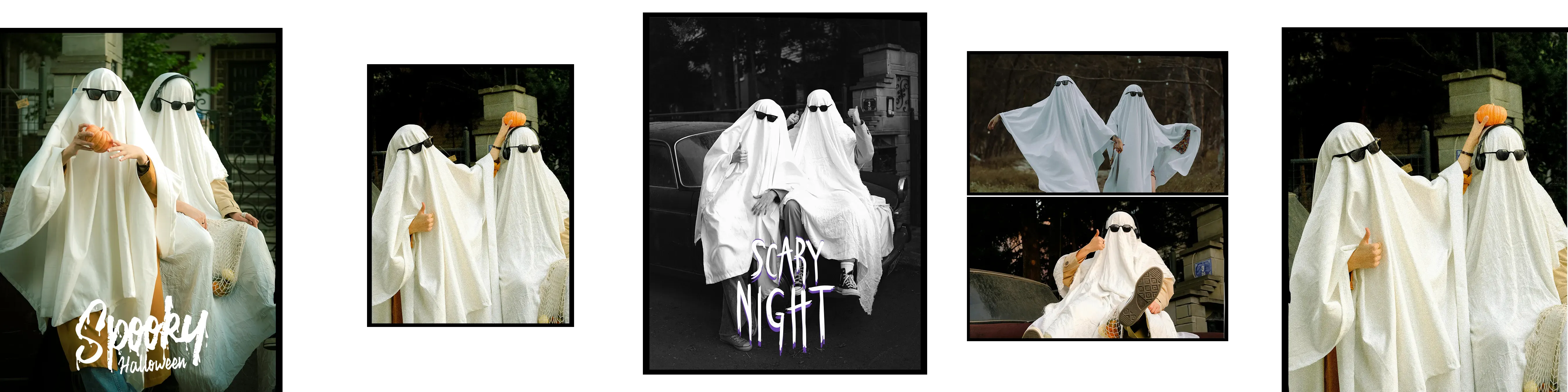
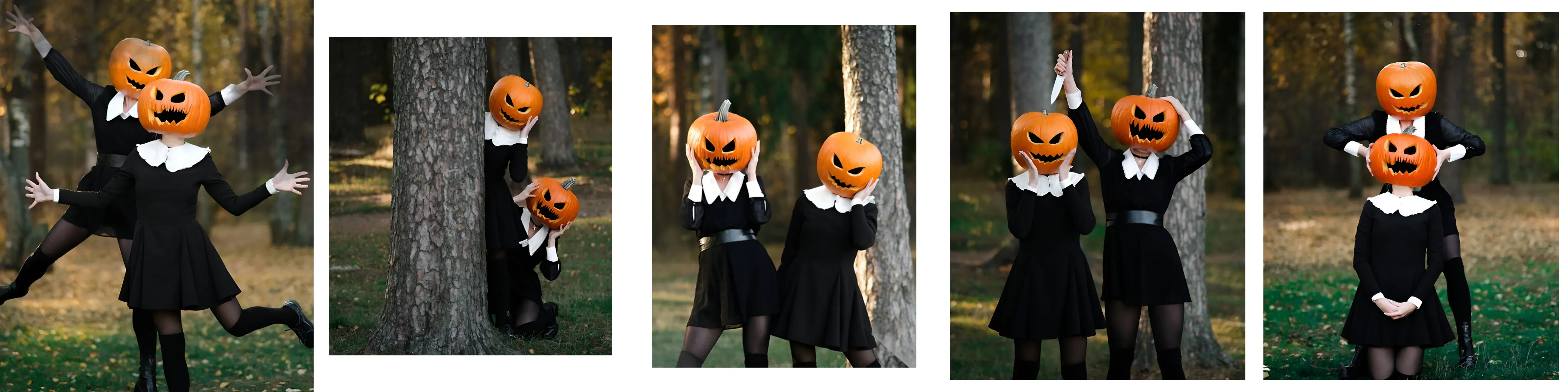
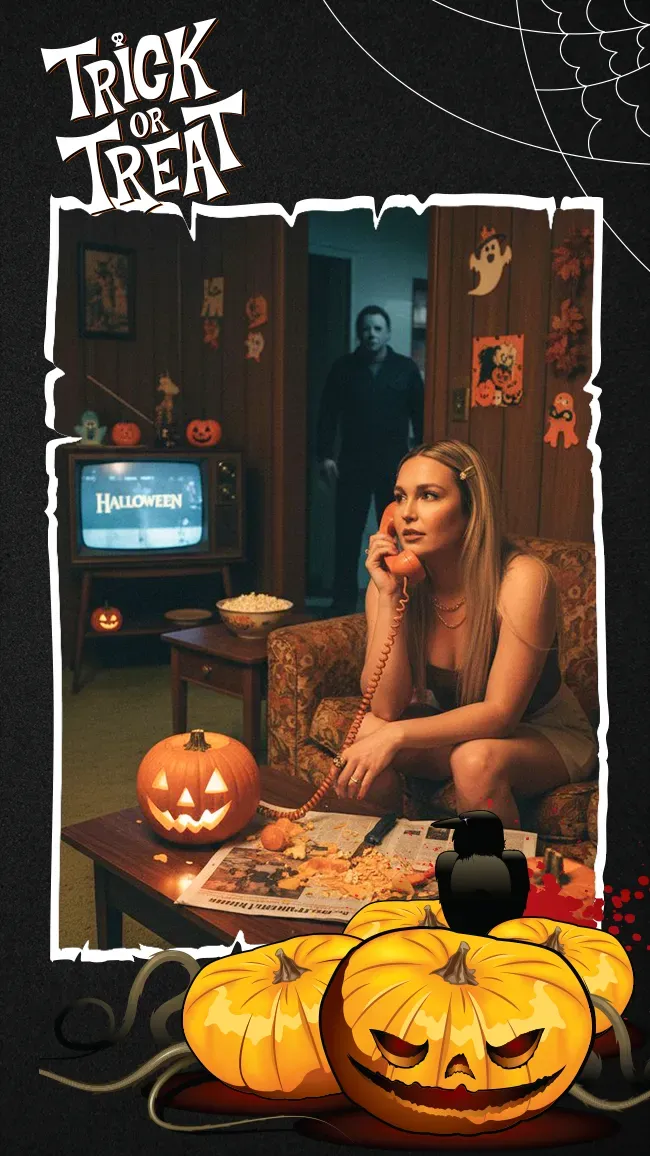
Turn costume-night photos into a Halloween photo booth strip. Choose a design below, upload your favorite shots, and add a party name or a spooky caption before downloading your keepsake.
Showing 6 of 6 templates
Template guide
How to use halloween photo strip templates
Build a Halloween photo booth corner
Start with a plain dark backdrop and a soft light facing your guests. Keep enough distance between the backdrop and the people so hats, capes and wings fit inside the frame. Take a test shot in the actual costume: dark fabric can disappear against a black wall, while a bright mask may need gentler lighting.
Choose a template for your costumes
Look at the photo slots before choosing a frame. Close-up portraits suit face paint and masks; a wider shot works better for a full costume. Keep decorative stickers outside faces and add one short caption, such as the party name and date. Preview the result at a small size so tiny text does not become unreadable in print.
Four Halloween photo booth ideas to try
Make a mini story: begin with a serious monster portrait, react to a ghost just outside the frame, reveal your favorite prop, then finish with everyone laughing. For two people, try a vampire and a startled guest. For a group, stagger heights and point toward the same imaginary creature. Keep props below eye level so every face remains visible.
Make a strip guests can keep
Open a Halloween template above and replace the sample photos with your own sequence. Adjust each crop, add text and download the finished design. For a classic 2x6 favor, check that the artwork has a 1:3 ratio; do not stretch a different layout to fit. A 4x6 print can hold two correctly sized 2x6 strips side by side.