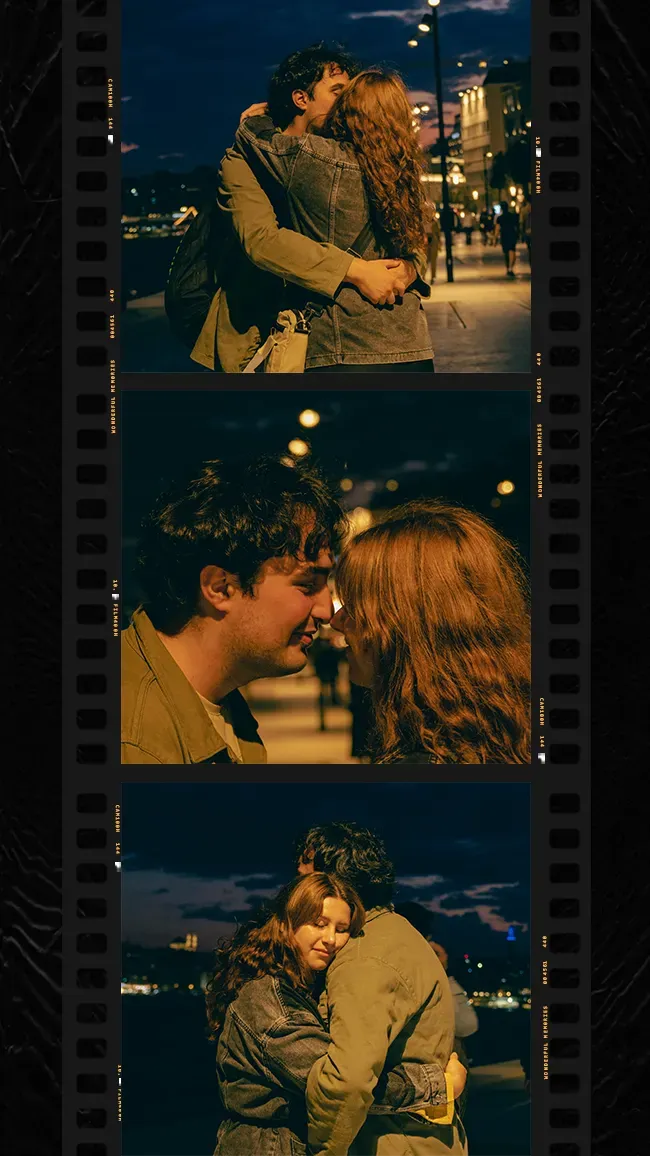
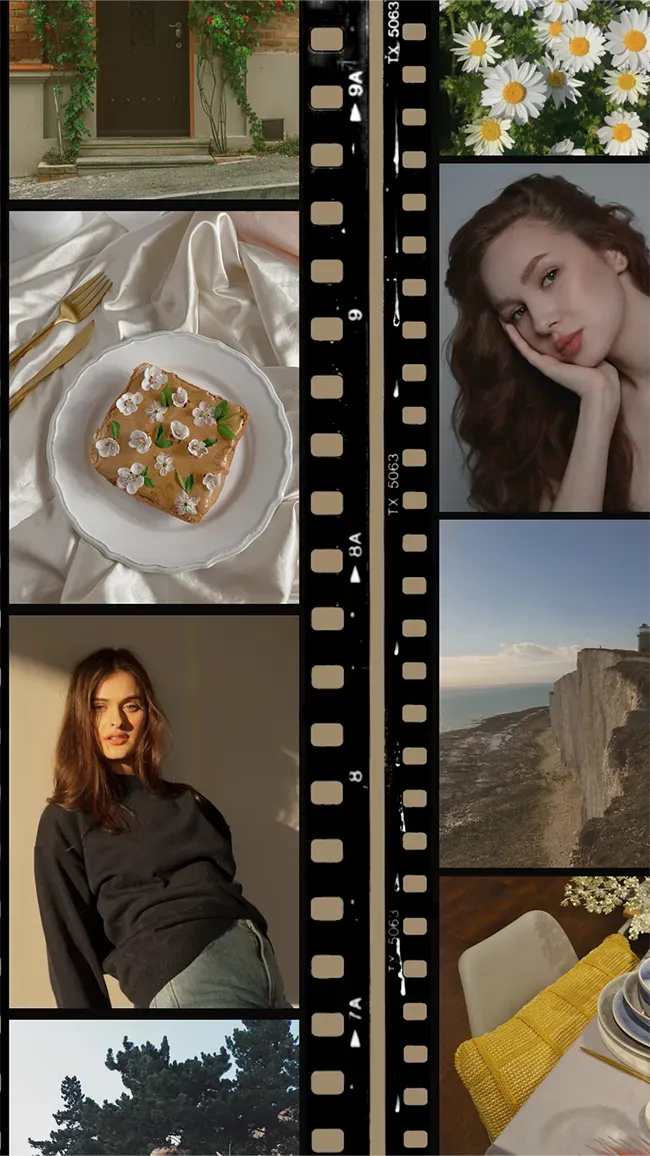
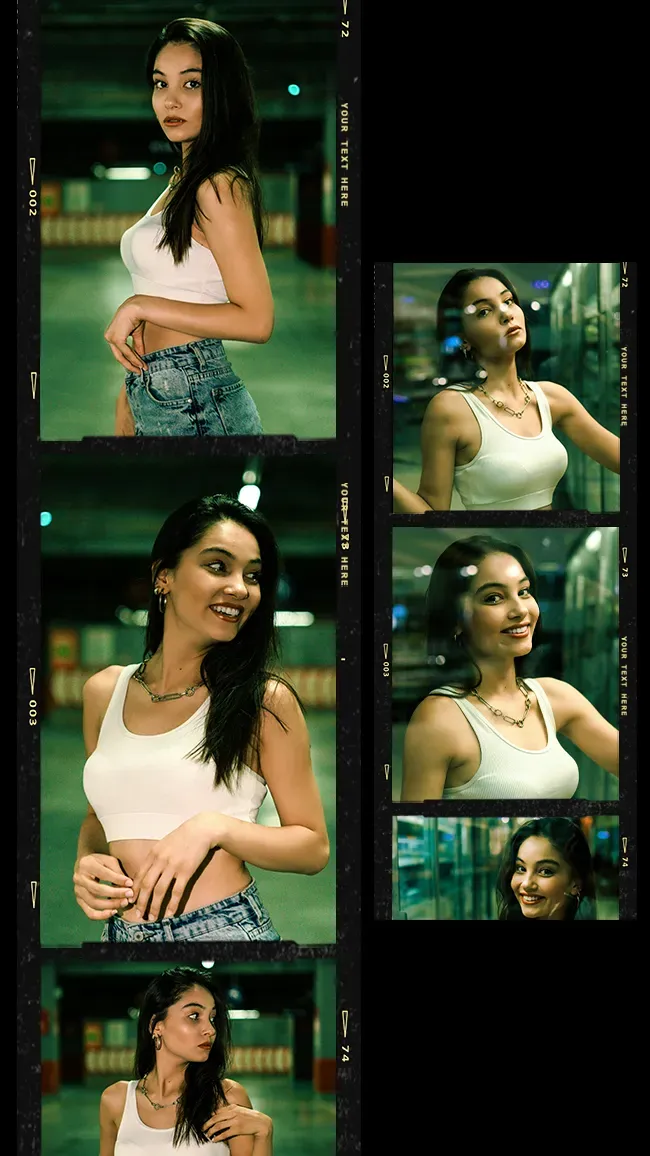
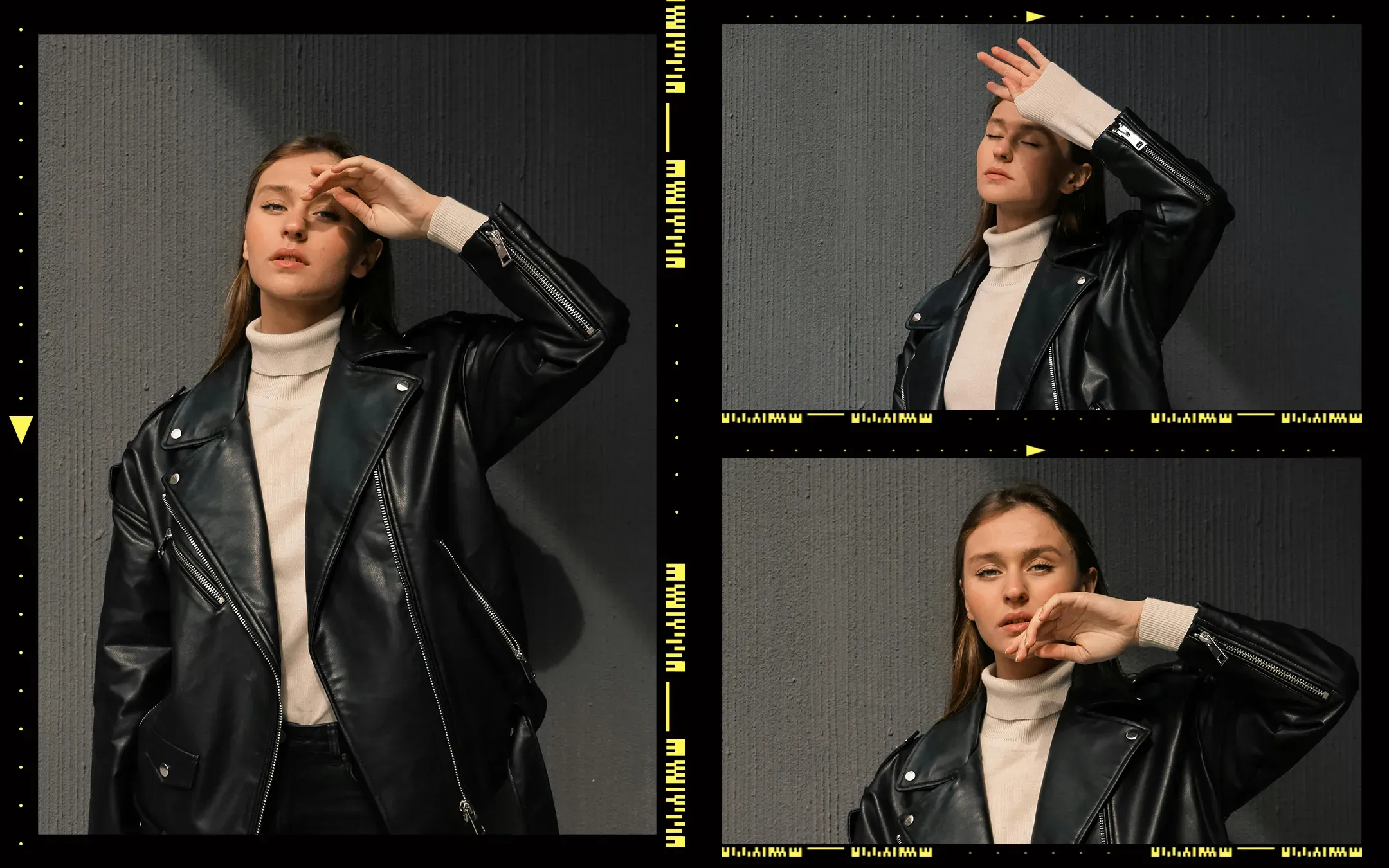
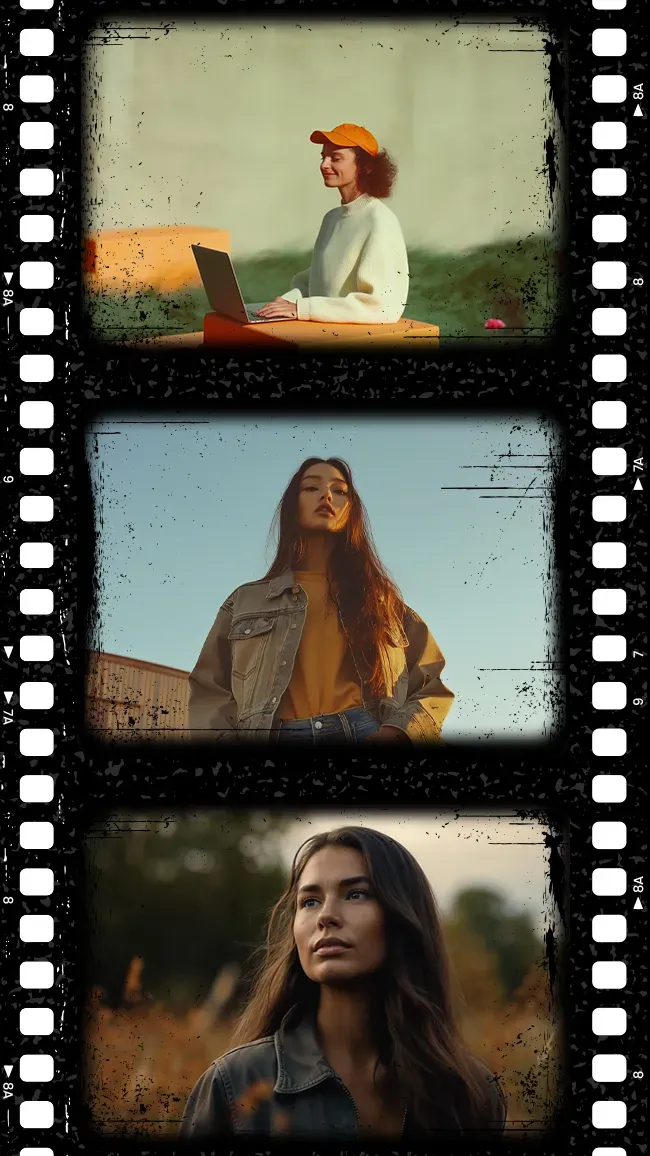
Build a small photo story with a film strip template. Browse the layouts below for a movie-inspired frame, then arrange your portraits, travel moments or party photos in sequence.
Showing 5 of 5 templates
Template guide
How to use film photo strip templates
Choose a movie film strip template
Start with the number of photos you want to include. A short sequence works well for changing expressions, while a longer layout can show a day from arrival to the final group photo. Check the preview for frame spacing and orientation before adding images. Landscape photos may need a different crop from close-up portraits.
Create a film strip photo booth sequence
Keep the camera in one position and change your pose between shots. Try a straight-faced portrait, a glance to the side, a surprised reaction and a laugh. Similar lighting makes the pictures feel like frames from the same scene. Use the pose guide below if you want a sequence for two people or a group.
Frame design versus a film strip overlay
These templates combine your photos with a frame inside the editor. They are useful when you want a finished film picture layout. If you need a separate transparent film strip overlay for another application, check that the asset and export format support transparency; a flattened image with a border is not a reusable transparent overlay.
Keep the film look readable in print
Try a restrained filter and check whether shadows still show detail in faces. Leave captions inside the frame rather than against the outer edge. Preserve the layout's original proportions when exporting, then use the size guide to prepare a print sheet. Film-inspired frames vary in shape, so not every design will fit a 2x6 print without cropping.